
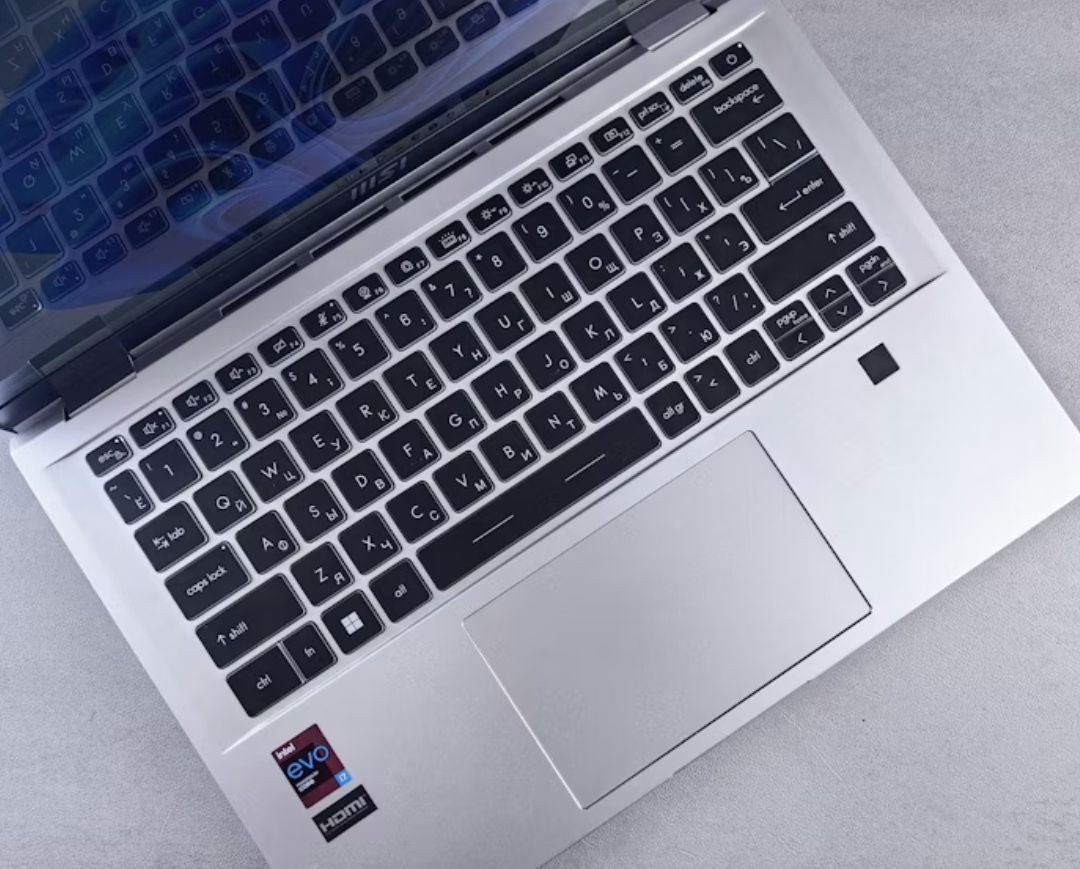
Faster SSD, more RAM, better performance — breathe new life into your existing laptop without the cost of a new device.
Is your laptop feeling slower than it used to? Does it take minutes to boot, struggle with a few open browser tabs, or drain its battery before lunchtime? Before you resign yourself to spending thousands of rand on a brand-new machine, there's a smarter path: upgrade it.
Most business laptops are fully capable of another three to five years of solid service with the right upgrades. A new solid-state drive, more memory, a fresh battery and a proper service can transform a machine that feels ancient into one that handles your daily workload effortlessly — usually for a fraction of the cost of a replacement.
- Takes minutes to start up and shut down
- Apps and documents load slowly, even when you're just working
- Fan runs loudly and the base gets hot to the touch
- Battery barely survives a couple of hours off the charger
- Running out of space for files, updates and software
If any of these sound familiar, your laptop is telling you it needs attention — not necessarily a funeral.
Upgrade or Replace? The Cost Question
A decent new business laptop will set you back anywhere from roughly R8,000 to R25,000 or more, and that's before software, migration and the time it takes everyone to get comfortable with a new machine. A typical performance upgrade — a quality SSD plus a memory increase, fitted and configured by us — is often under R3,000, including labour and a full data backup.
SSD Upgrade
The single biggest performance win you can give an older laptop. Moving from a mechanical hard drive to a solid-state drive can cut boot times from minutes to seconds.
More RAM
Extra memory lets you keep more applications open without slowdowns, stutters or that dreaded frozen hourglass.
New Battery
Genuine replacement batteries restore the portability your laptop was designed for — and remove the swelling risk of aged cells.
Cooling & Cleaning
A professional clean, fresh thermal paste and, where needed, a new fan keep temperatures down, performance up and noise quiet.
The Biggest Wins, in Order
1. Solid-State Drive (SSD)
If your laptop still has a mechanical hard drive (HDD), replacing it with an SSD is the fastest, most noticeable upgrade available. Boot times drop from minutes to seconds, applications open instantly, and because SSDs have no moving parts, they're more durable and far less likely to fail on a bumpy ride.
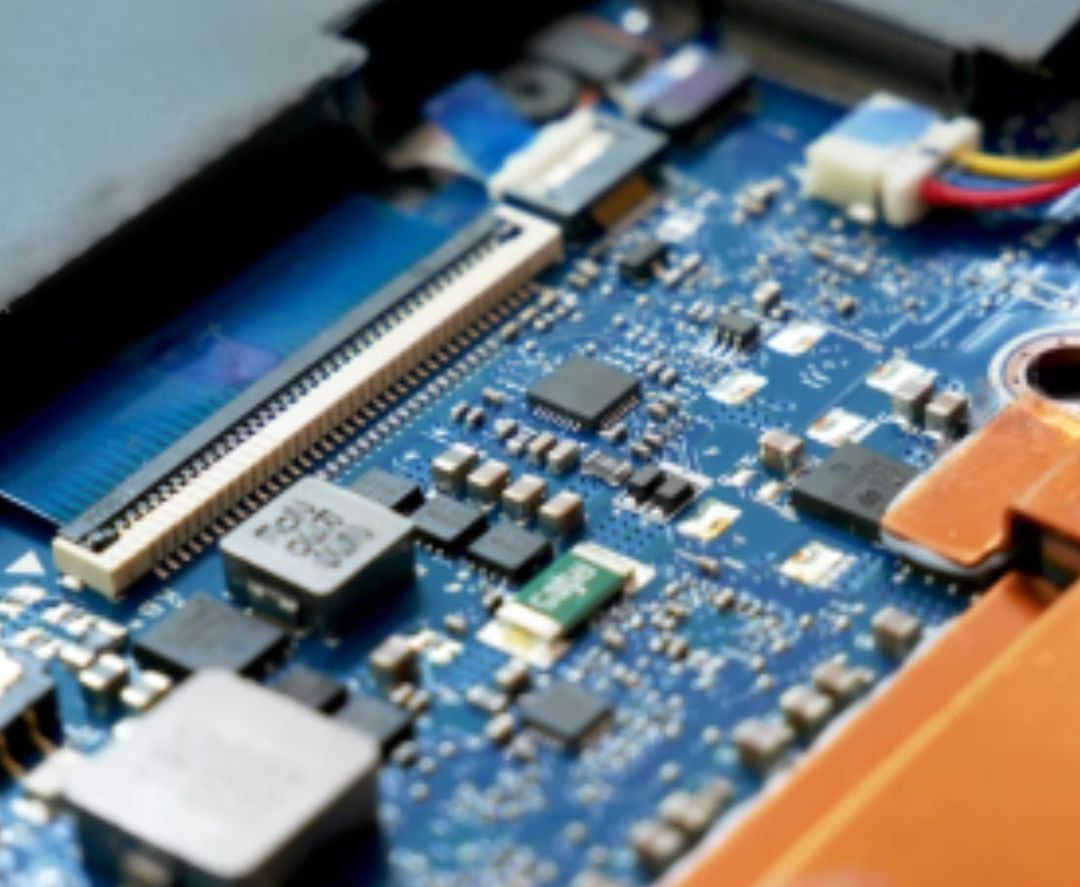
Which SSD does your laptop need?
Newer laptops take fast M.2 NVMe drives, while older models use 2.5" SATA SSDs. Both are huge improvements over any hard drive. We'll identify the right type, capacity and brand for your model — and clone your existing data across, so nothing is lost.
2. More RAM
8GB is the practical minimum for business use today, and 16GB is the sweet spot for multitasking with spreadsheets, email, video calls and a web browser full of tabs. Heavy users — designers, engineers, anyone running virtual machines — should consider 32GB.
One important note: some ultrabooks and MacBooks have memory soldered to the motherboard and can't be upgraded. We'll check your specific model and tell you honestly whether a RAM upgrade is possible before you spend a cent.
3. Battery Replacement
Laptop batteries typically last 300–500 charge cycles before their capacity fades noticeably. If your machine only survives a couple of hours off the charger — or the battery is swelling and pushing against the casing — it's time for a genuine replacement. Swollen batteries are a real fire risk and should never be ignored.
4. Cleaning, Thermal Paste and Cooling
Dust-clogged vents, dried-out thermal paste and tired fans cause laptops to run hot, throttle performance and sound like a jet engine. A professional service opens the machine, clears the dust, renews the thermal paste and replaces worn fans — the result is a quieter, cooler, faster laptop.
Can Your Laptop Be Upgraded?
Most business laptops have at least some upgrade potential, but it depends entirely on the model. Our technicians will check your make and model, confirm which slots and bays are free, and give you a straight answer — including exactly what the upgrade will cost and what it will achieve.
When It's Time to Replace Instead
As much as we love saving money on upgrades, some laptops genuinely are past their prime. Consider replacing your machine when:
- It's more than six or seven years old and the manufacturer no longer supports it with driver updates
- It can't meet the requirements of Windows 11 or your current operating system
- The motherboard, screen or keyboard has failed and repairs cost more than half the value of a replacement
- It no longer receives security updates, putting your business data at risk
How We Help
Acumentech handles laptop upgrades, repairs and replacements for businesses across South Africa — with genuine parts and guaranteed workmanship.
- Free laptop assessment: we tell you what's worth upgrading and what isn't
- Full backup and secure data migration before any work begins
- Quality SSDs, memory and batteries from reputable brands
- Most SSD and RAM upgrades completed within one working day